

Connect Sanity
People directory
Connect policies to their owners and find colleagues by responsibility.
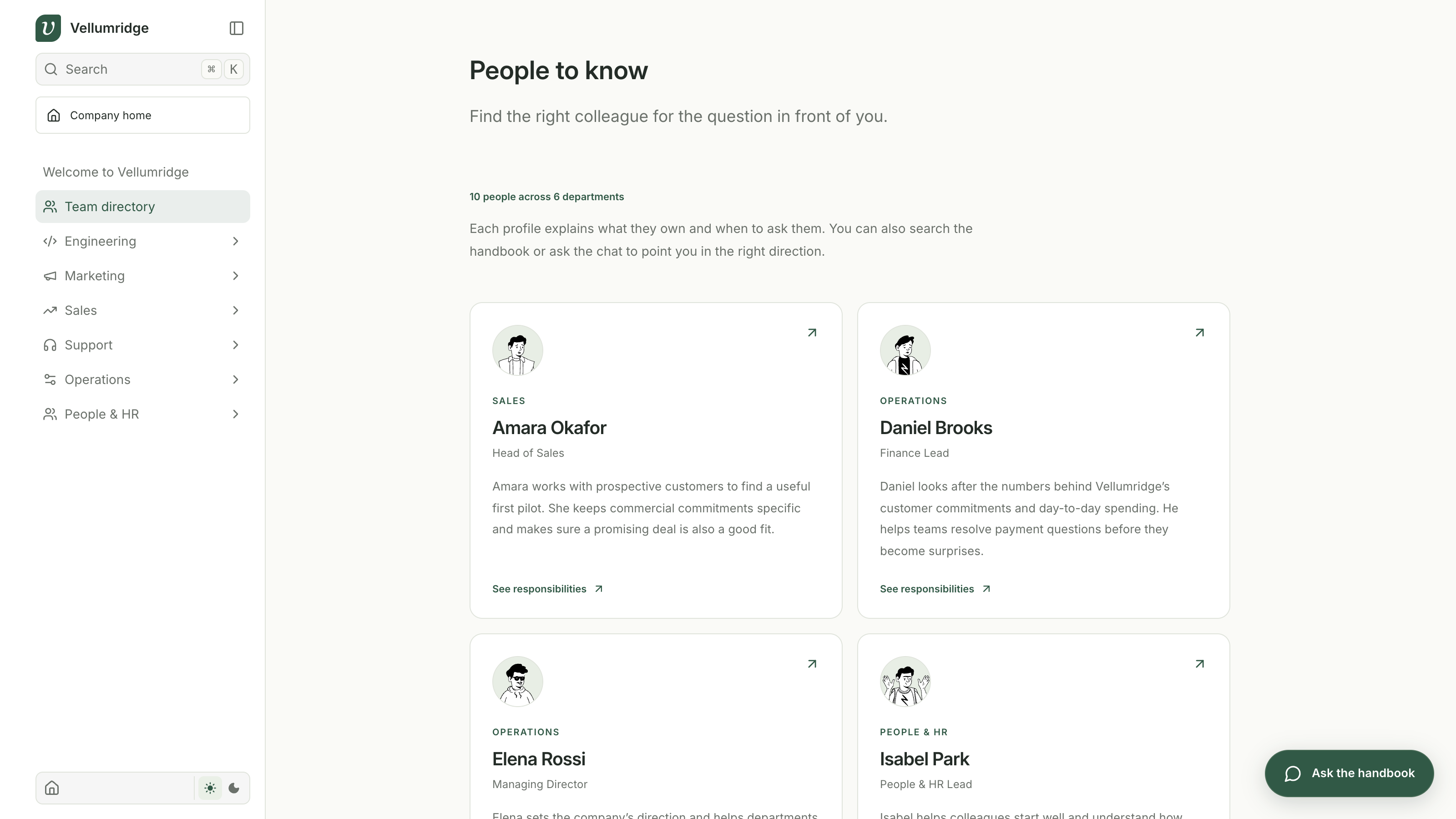
Open the team directory from the homepage or docs sidebar. The demo includes 10 fictional colleagues, each with a role, short bio, and a list of things to ask them about.
Open an owner
Go to Marketing, then Launch communication. Click Noah Ellis beside the review date. His profile explains his responsibilities and links back to the marketing pages he maintains.
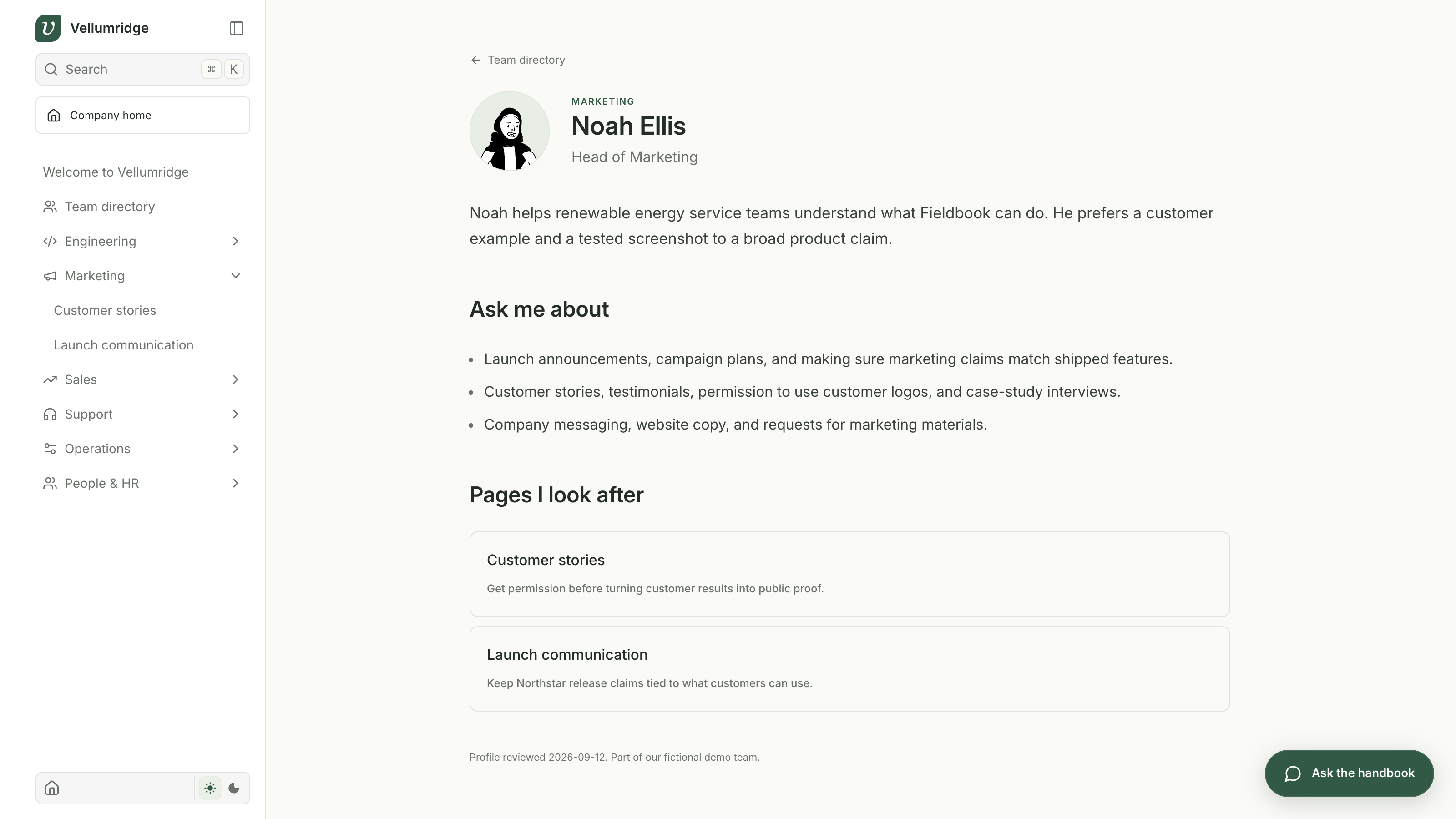
This works in both content modes. Local mode matches the Markdown owner name with a profile in content/employees. In Sanity mode, the page's ownerProfile reference points to an Employee document, so changing that person's name keeps the relationship intact.
Edit a profile
Continue with CONTENT_SOURCE=sanity after the setup lesson. The initial import already included all 10 people, so you do not need another import here. If you are staying in local mode, edit the matching JSON file in content/employees instead.
Open Studio and select Employee. Each document stores the following fields.
| Field | Purpose |
|---|---|
| Name and role | Identify the person and their job |
| Department | Group their work with the relevant team |
| Short bio | Explain their background in a few sentences |
| Ask me about | List responsibilities with concrete examples |
| Profile path | Keep a stable URL such as noah-ellis |
| Last reviewed | Show when the information was checked |
Publish a small bio change and refresh the profile. The published Sanity document is the source for the directory, profile page, and search. The JSON files remain the starting material for a fresh project.
The avatars are local SVG illustrations from DiceBear's Notionists style, created by Zoish under CC0. Their filenames in public/avatars match profile paths. New profiles without an avatar show initials.
Search responsibilities
Search for Who should I ask about using a customer logo?. Noah Ellis and Customer stories should appear. Try Who handles custom customer payment terms? to find Daniel Brooks in Finance.
Employee profiles and policies share the same Dataset Embeddings query. The embedding projection includes the role, bio, and responsibility fields, so you can search for a task without knowing the person's name. The chat stage uses those results to recommend a colleague and link to their profile.
Be specific about authority. Sofia owns the expense policy, but some exceptions need a manager's approval. Owen works on security, but the current on-call engineer is the first contact for an urgent incident. The example profiles preserve those distinctions.
Checkpoint
Open an owner profile from a policy and follow a link back to a page they maintain. Publish a bio edit in Studio, refresh it, then search for a responsibility. If you have just completed the Sanity setup lesson, the profiles and embedding settings are already in place.
Continue to Semantic search.