

Getting started
Run the example
Install the complete project and open the handbook on your computer.
The plain starter showed what Fumadocs provides. Now run the finished Vellumridge handbook and inspect how its homepage, department pages, and people directory fit together.
Use the complete repository for every remaining step. You do not need to rebuild it inside fumadocs-playground.
Install the project
Stop the sample server with Ctrl+C. Open a terminal in the folder where you keep your projects, outside fumadocs-playground. The clone command creates a separate company-knowledge-base folder. Use Node.js 22.12 or newer; Node 24 LTS is a good default.
Check git --version first. If Git is missing, install it from git-scm.com and reopen your terminal. You can also download the repository through GitHub's Code > Download ZIP button, extract it, and skip the clone command. A private repository requires access through your GitHub account.
git clone https://github.com/daveebbelaar/company-knowledge-base.git
cd company-knowledge-base
npm ci
cp .env.example .env
The cp command copies the settings template. On Windows PowerShell, use Copy-Item .env.example .env; in Command Prompt, use copy .env.example .env. If .env already exists, keep it and add the missing settings.
Open company-knowledge-base with File > Open Folder in your editor. Make sure you are in the complete project rather than the earlier playground. Open .env from the file explorer. Its name must be exactly .env, without a .txt suffix.
Set the password
SITE_PASSWORD=choose-a-long-demo-password
CONTENT_SOURCE=local
Leave the Sanity and OpenAI keys empty for now. The value you set for SITE_PASSWORD is the password you enter in the browser. .env stays on your computer and is excluded from Git.
Save with Command+S on macOS or Ctrl+S on Windows before starting the server. Keep real passwords and keys out of recordings and screenshots. When you change an environment setting later, stop the server with Ctrl+C, run npm run dev again, then refresh the browser.
npm run dev
# Open http://localhost:3000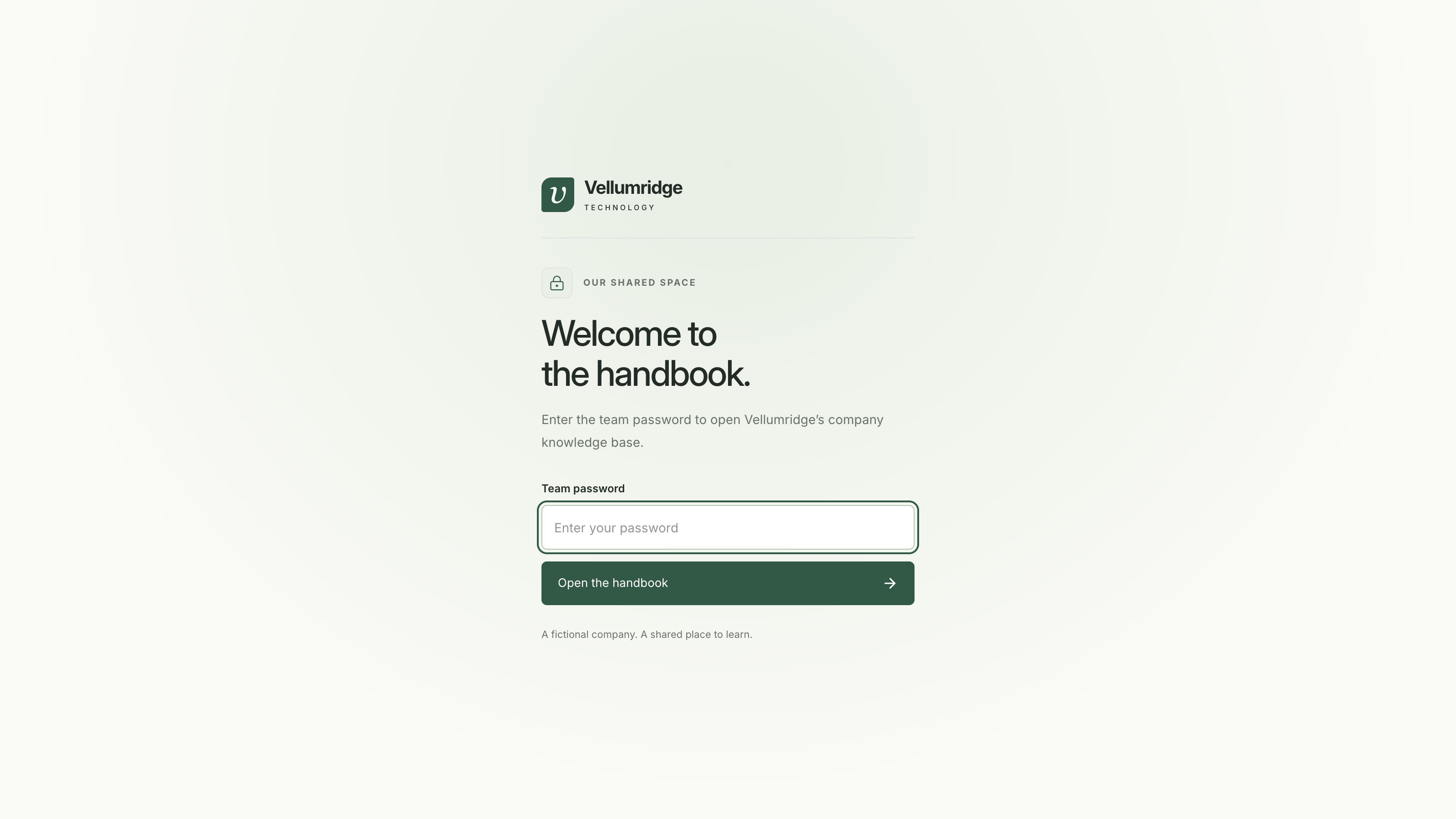
What works already
After entering the password, you see the complete homepage, 18 handbook pages, and 10 employee profiles with owner links and avatars. Pages come from content/docs/*.md and its department folders. People come from content/employees/*.json. Search matches keywords in those local files.
The chat button is part of the interface, but its panel asks for OpenAI setup before it can answer. You can leave it alone until the chat lesson. Screenshots show the finished example with optional features enabled.
CONTENT_SOURCE=local selects this mode. Adding a Sanity token does not switch it automatically. Even if you already have a token, keep this setting until the Sanity lesson explicitly changes it.
Explore the handbook
Enter your password and look at the company homepage. Open Operations, then Travel expenses. Click the owner, Sofia de Vries, to see her profile and responsibilities.
The starter and this example both use Fumadocs. The handbook adds its own content, styling, shared password, and optional integrations. The next page maps those additions to their files.
Press Cmd+K on macOS or Ctrl+K on Windows/Linux. Search for travel expenses. The overlay says Local keyword search because this stage does not use embeddings.
Checkpoint
You can open the homepage, read a department page, and find Travel expenses. Lock the site from the homepage, then try opening a docs URL directly. It should return you to the password screen.
Continue to Project structure.